Saturday, November 30, 2013


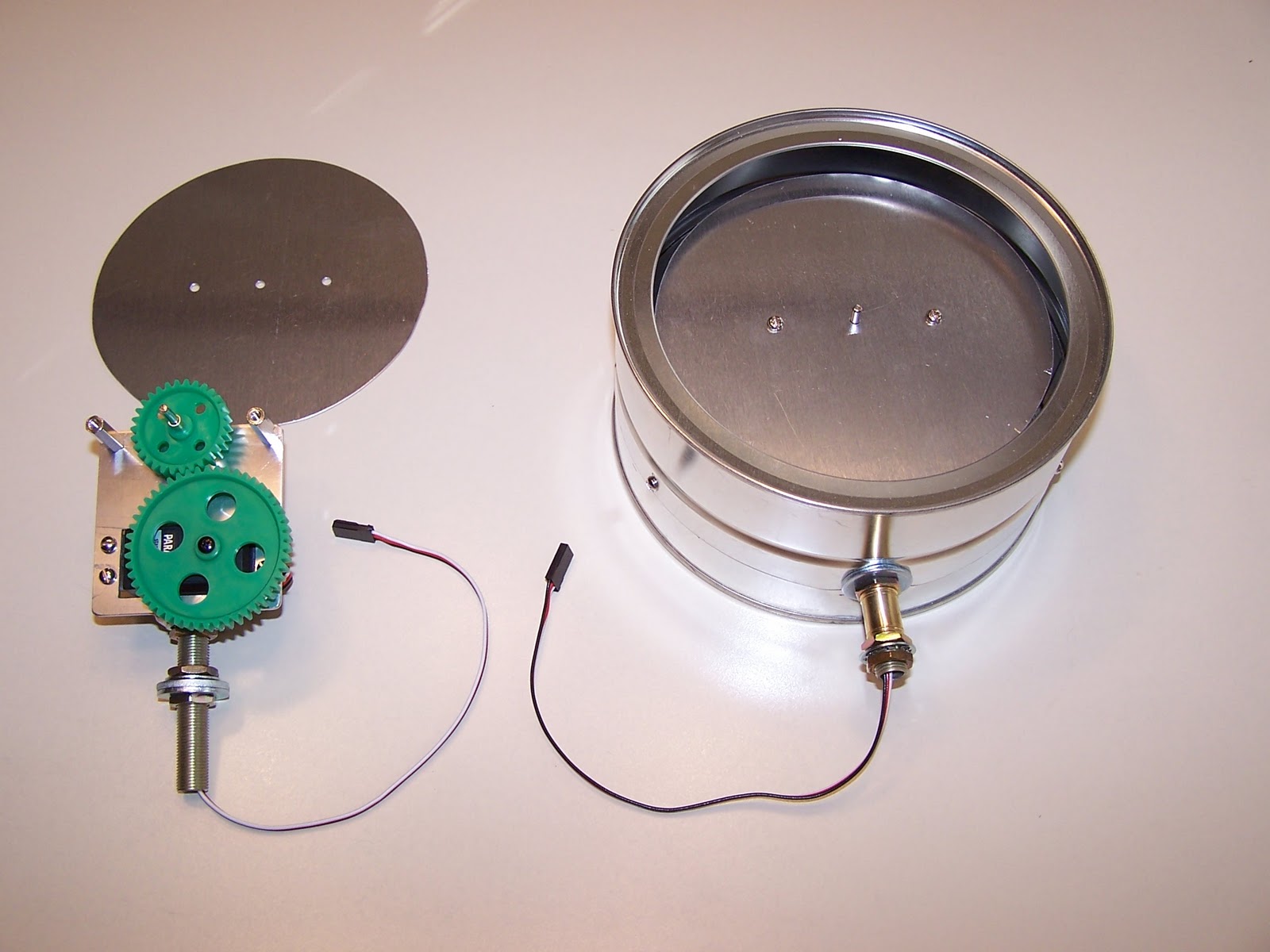
We have started work on a steam simulator!
  Here is the stamp board with the new X-Keys interface.
So far I have tested and all 5 pot inputs work!  


Tomorrow I will mount the x keys and do the first test run with MSTS.
Also I added a "Links and Files" page. I will be adding more to this page soon

Wednesday, March 27, 2013

New Projector installed

The other projector has been failing so we bought a new projector. It is proving a much brighter and crisper image.
Here are a few pics and a video


Tuesday, December 4, 2012


A couple of videos from today showing the working simulator and the back of the cab stand


We went down to Jackson Street Roundhouse to install the whistle/horn control as well as the bell. I have also taken some more pictures of the simulator.  Hopefully we will be installing a bass shaker in the cab soon.
A newer higher lumen, higher resolution projector with a much larger screen is also on the wishlist.  We are also talking about adding another simulator with a tabletop controller.
Control stand 
projector  location
view inside of cab
View from outside the cab 
Side view
Looking into the cab from the front
You can see the
electronics cabinet
where the PC and audio
equipment is kept


Wednesday, October 3, 2012

98% functionality

We went down to Jackson Street Roundhouse to work on some of the macros and add wireless capabilities so I can remotely do maintenance on the simulator.  I took some videos, but had some problems at the same time. I will post the videos soon.  The simulator exhibit is at about 98% functionality, We need to just fix the reset macro. I will post another update soon.

Newest video of simulator exhibit.

Jitbit Macrorecorder This is awesome for making any kind of macros. You can program it to do if/else statements and way more.  I would highly recommend this program if you plan on automating aspects of your simulator.

Friday, January 20, 2012

Made a macro to start the simulator up and shut it down with a single key press.

Check out the video
http://youtu.be/uxqqlSK5yaI

Tuesday, January 10, 2012

DIY gauge schematics and photos


These are schematics and gauges made by Doug Johnson. I have one gauge currently in the works using this design.  I also have some other resources that I am using

Thursday, November 3, 2011

Train brake and first test run

We had our first test run today with the full cab stand. We installed the reverser/throttle module and installed the train brake pot bracket(see attached photo).  I also tested the 12 volt stand backlights and they looked great, although I may replace them with LEDs for keeping things cooler. We hooked the whole setup to a projector and did our first test run.  We had calibration problems with the brake but are working on them.  Throttle and reverser worked mostly as anticipated. Next step is to fix the calibration issues,test it and then start installing the discrete controls.  One other thing I think we will look into is rear projection so we can utilize a larger screen and not have to worry about the cab getting in the way of the projector. Anyway I will post pics as the project progresses.


Wednesday, November 2, 2011

Train Brake

I have fabricated a bracket that will fit over the top of the train brake to accept the potentiometer.. I will be installing it in the cab stand tomorrow and running my first test setup with the throttle, reverser and train brake. I will post videos and pictures of the setup and install.

Thursday, October 13, 2011

So as promised, here are a couple of pictures of the electronics. The X-Keys unit is in the upper left. You can see the stamp at the bottom and the servo controller is right above the stamp. I also have an old power supply that I am using for the servo controller and I will also use that to power the 12 volt lights on the cab stand. If you want a more detailed description on how this all works together, go to this page. It details the entire build process of a steam locomotive simulator.


Sunday, October 2, 2011

reverser and throttle

As promised here are the pics of the reverser and throttle. The first pic is when I first tried to use a rotary encoder with the U-HID module from Ultimarc. It is still a very good unit and I would recommend it as a keyboard emulator it will also see potentiometers, rotary encoders, optical encoders etc.  I am currently using a Stamp micro-controller from Parallax. I will go more into detail about the electronics in future posts.

This was when I first used a rotary
encoder. I am now using pots.


rear of throttle/reverser
Throttle pot
reverser microswitches
rear of throttle/reverser
close up of reverser microswitches

Saturday, October 1, 2011

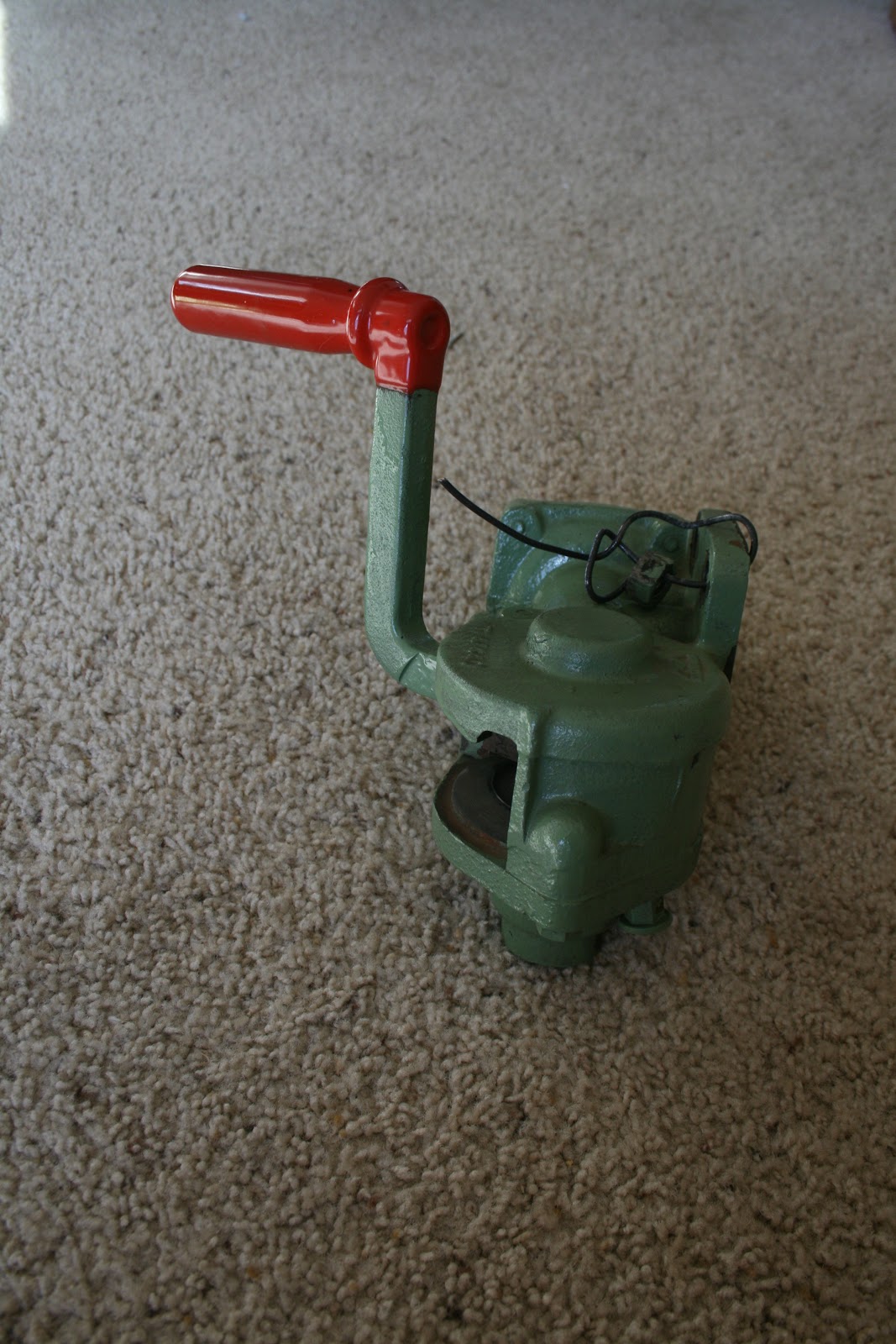
Independent brake valve

Here are some pictures of the independent brake valve. I haven't figured out a way to modify it yet to work with a potentiometer.  Any suggestions?  We are debating on making a cast of it or a replica out of wood.


Added a few more pictures
bottom
Rear mounting plate


Right Side
Fron
    
bottom


Rear left sode


Thursday, September 29, 2011

Pictures

Well here are some more pictures of the project. The red cab is a cab that was donated to the Minnesota Transportation Museum Jackson Street Roundhouse and will be the simulator cab. The stand is a stand that was also donated and is originally from an EMD SD45.  The completed simulator of course will be an exhibit at the Jackson Street Roundhouse.
The throttle and reverser are built into the same module. I have already modified it and tested it with MSTS. I am posting the before modification pictures below and I will post the modified controls later. All the modifications are 100% removable and the controls could in theory be put back into service if needed.


The next project are the brakes. There are two brakes: the independent brake valve, which is the brake just for the locomotive(bottom lever) and the train brake valve is the brake for the entire train (top lever). There is a third called a dynamic brake that at the moment will not be included in the setup. I believe that lever is located where the blank panel is just above the throttle lever in the reverser unit.
I will post some more pictures and some links soon. If you are interested in building a train simulator I would suggest checking out this yahoo group: http://games.groups.yahoo.com/group/locosim, that is where I started out.

Wednesday, September 21, 2011

YouTube channel

Ok so I started a YouTube channel with some videos of my hardware and software. Check it out http://www.youtube.com/user/TheTelephonator

First post regarding Train Simulators

So I have decided to start a blog, documenting my building of a train simulator utilizing a cab stand from an EMD SD-45 and Microsoft Train Simulator for software plus other various hardware and software for the interface. I started this project last march and have made some significant progress. I will post again in the near future with pictures specifications, history of the project, etc. I don't want this blog solely to focus on any particular software or hardware, so if you are doing something different I would love to hear about it.
 Thanks,
               Mike